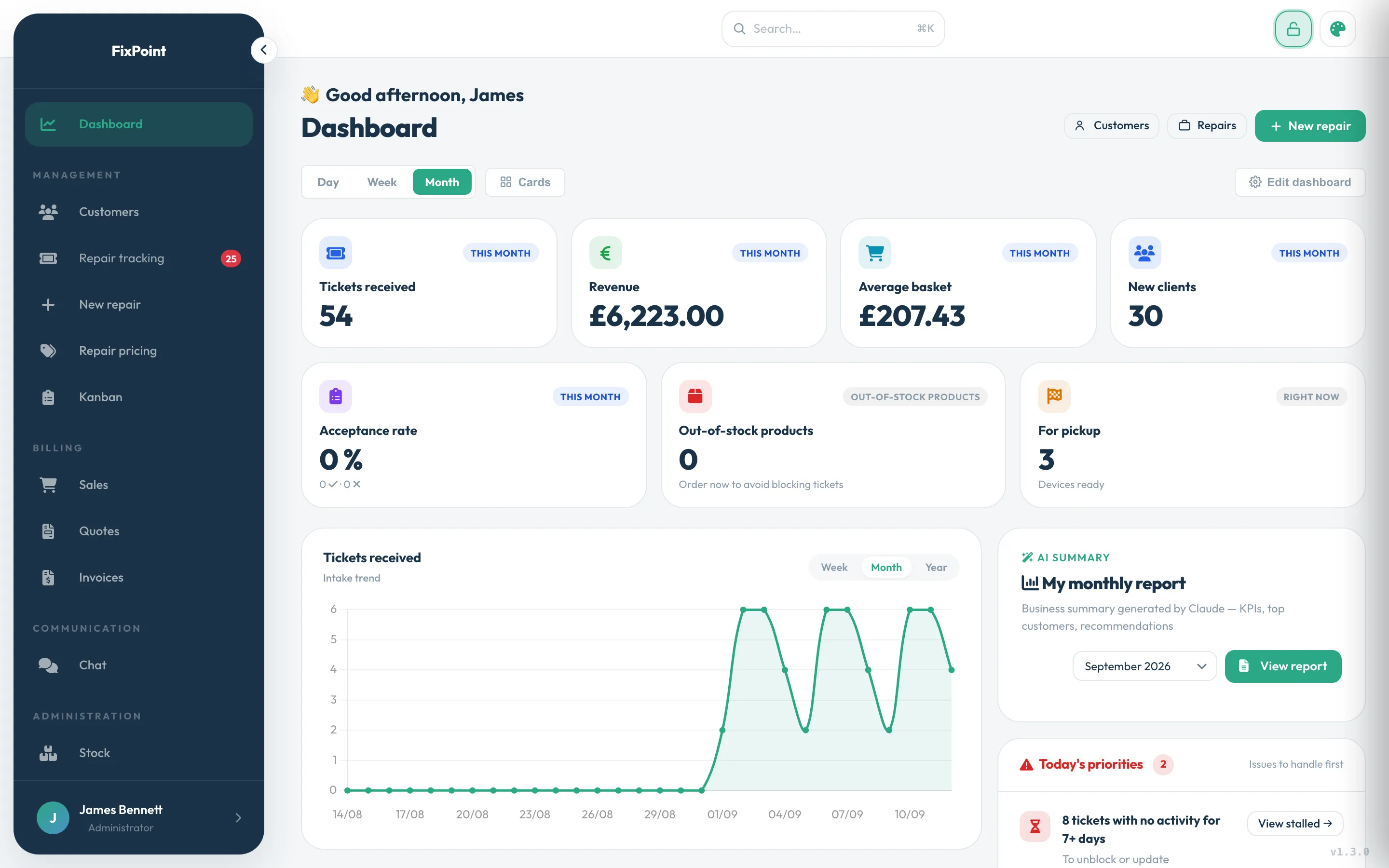
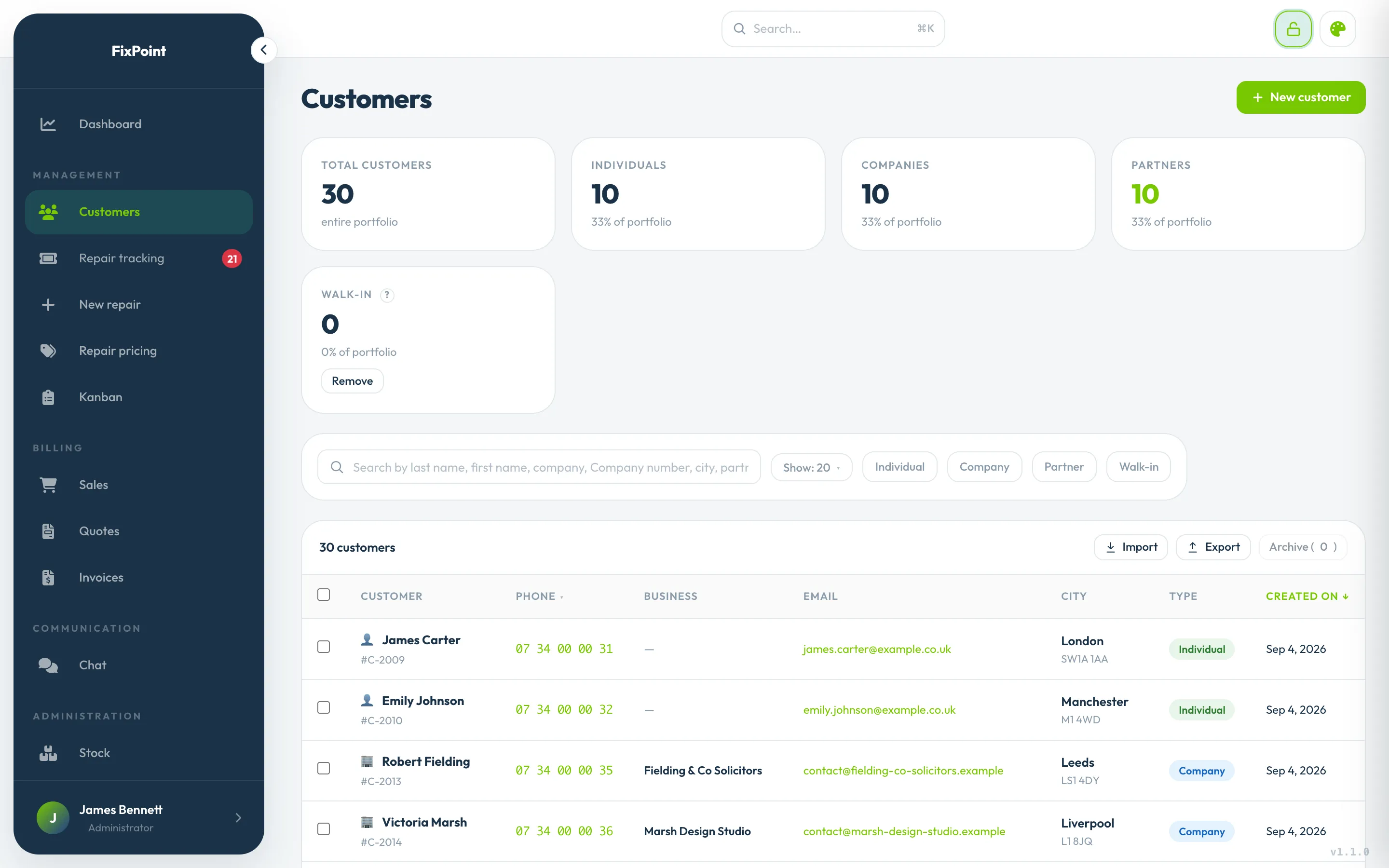
From the moment a device comes in to the moment it goes back, manage your repairs, customers, quotes, invoices and inventory in one piece of software built for your trade.
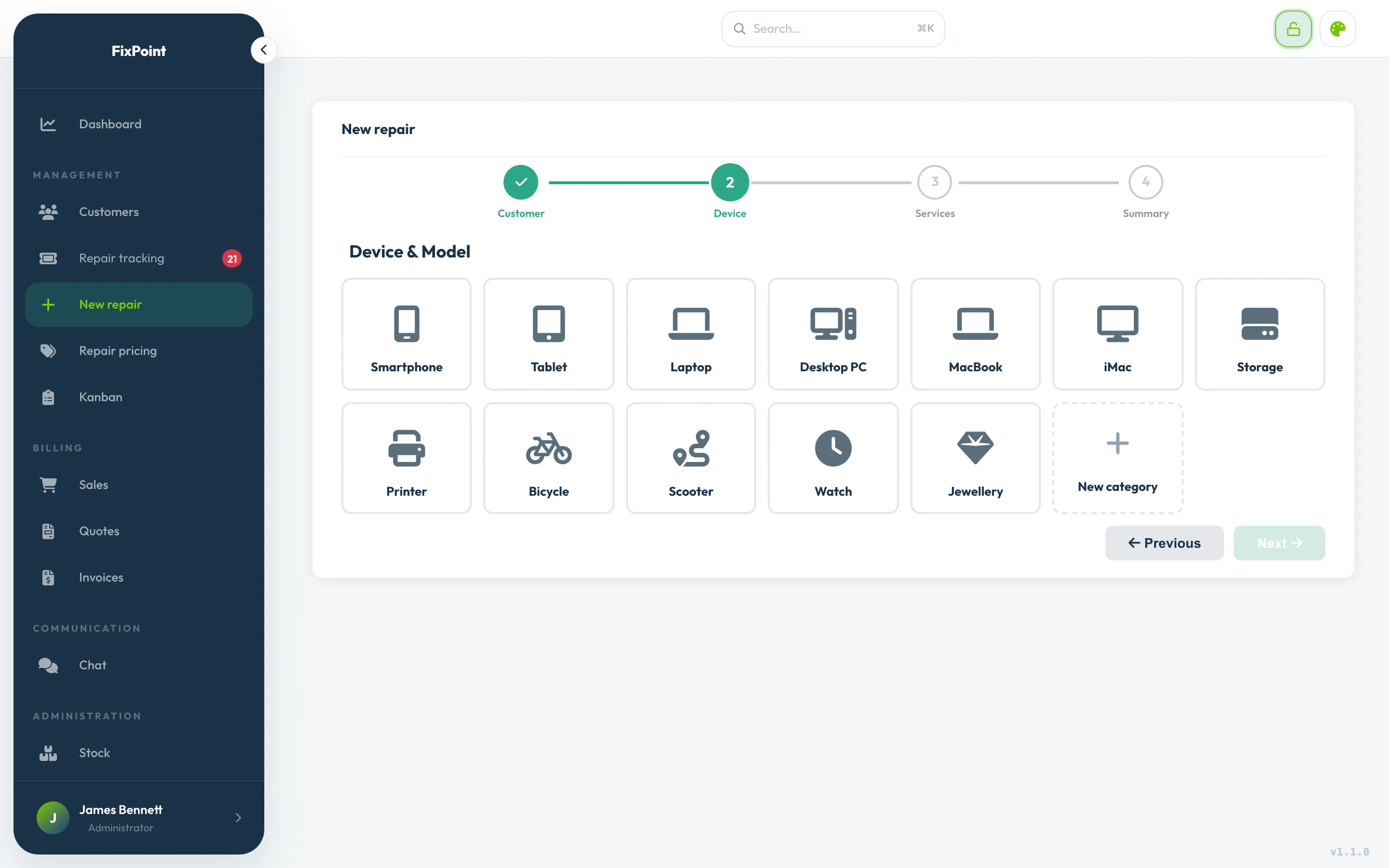
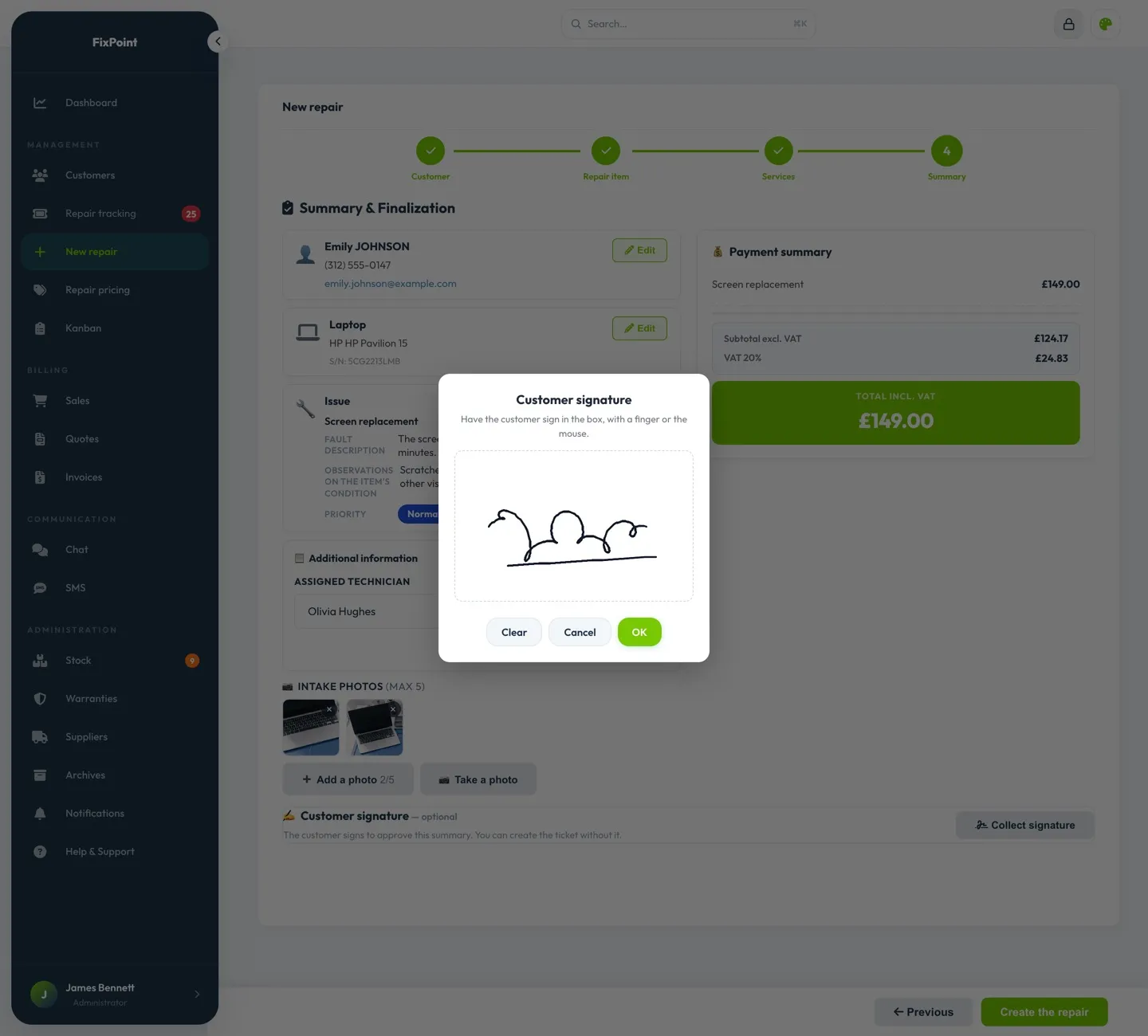
Customer, device, services, summary: check-in is guided, so nothing gets forgotten at the counter.
Accessories and device condition logged on arrival
Drop-off receipt printed or sent by email
Interrupted mid-entry? Pick up right where you left off
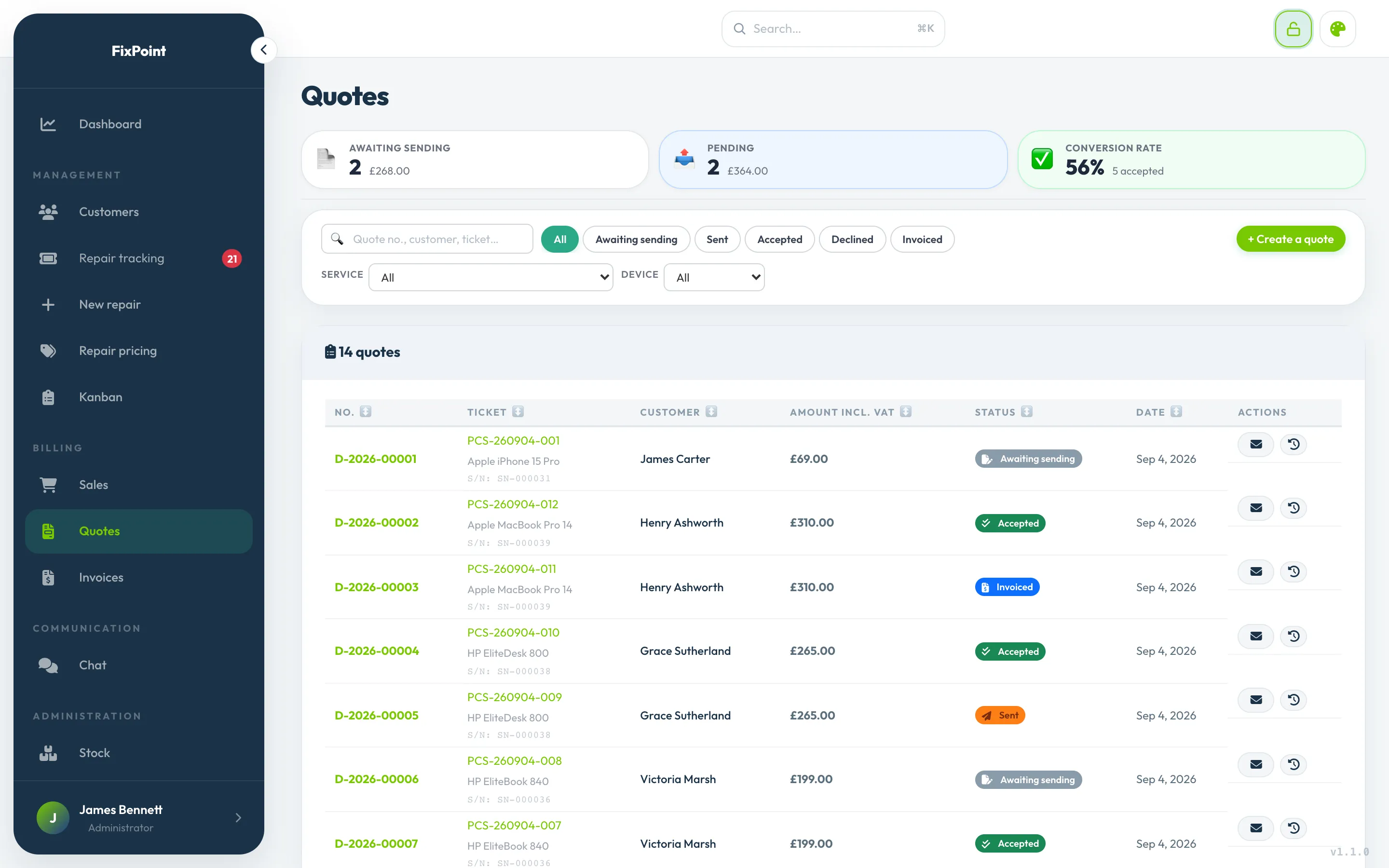
Creating the quote
The quote goes out by email from the ticket, priced in one click with your price grids.
Status always up to date: awaiting reply, accepted or declined
The customer replies in one click from the email, and can say why if they decline
A revised quote keeps the old one on file
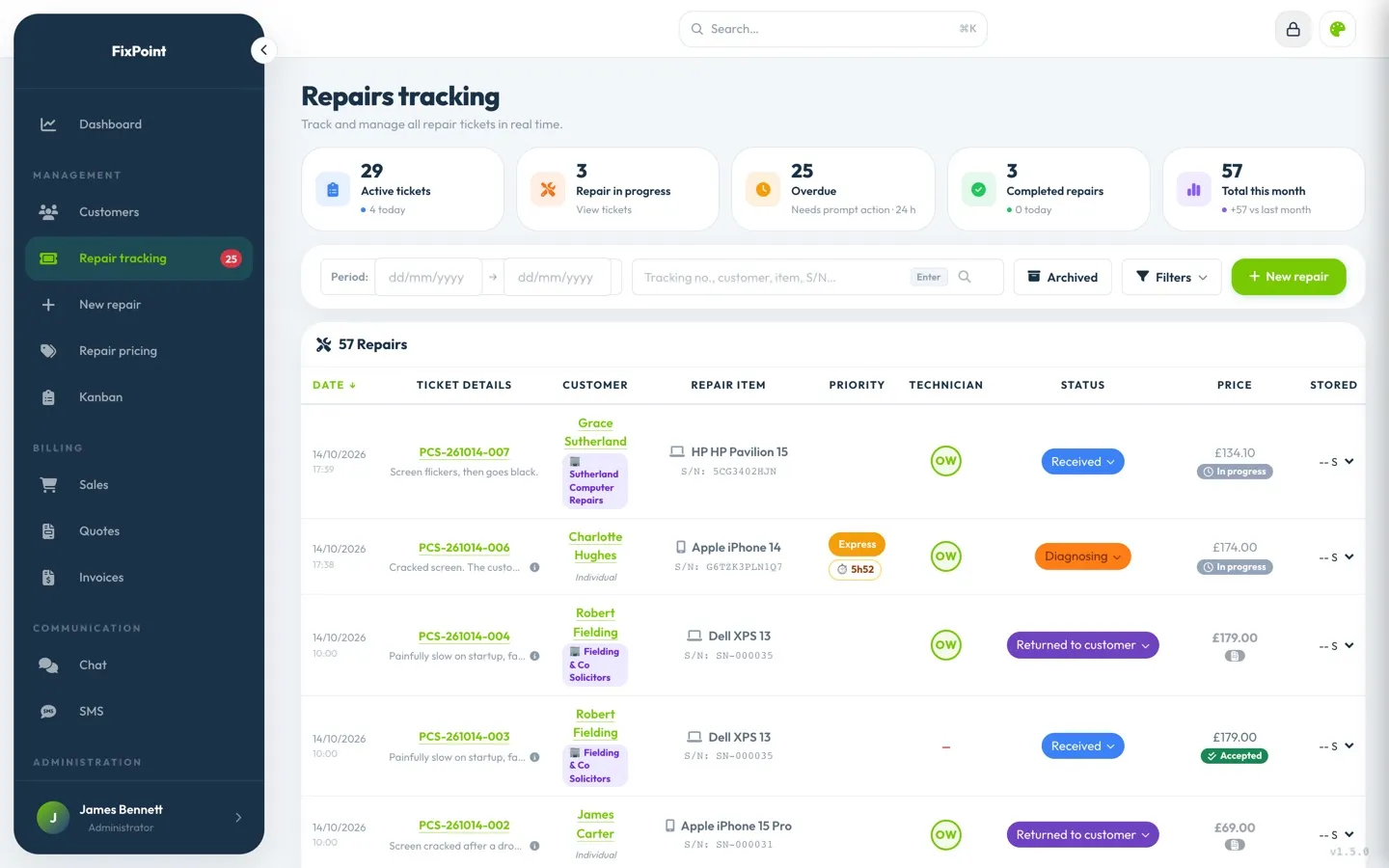
Tracking the repair
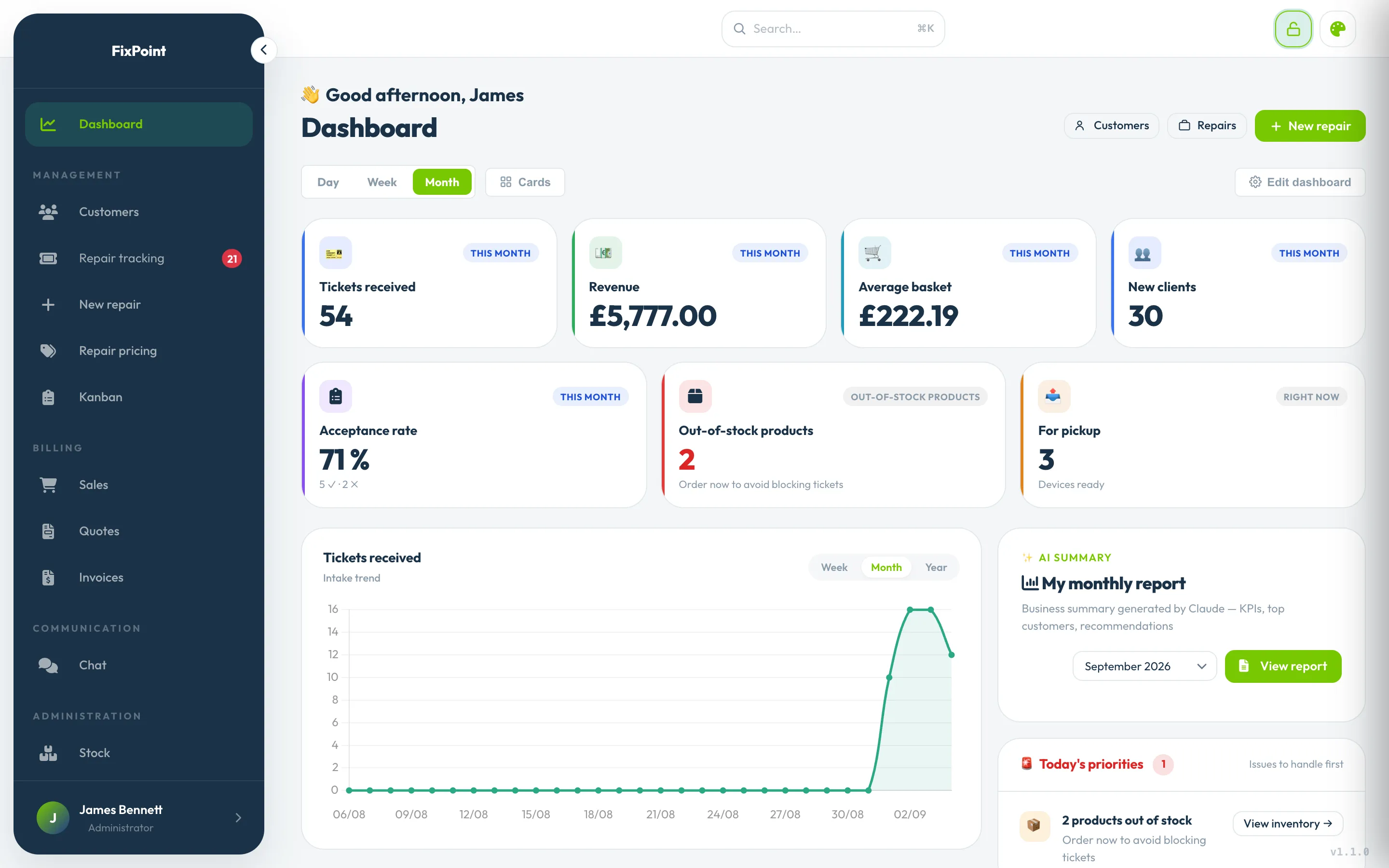
Each repair moves from status to status, and the dashboard brings up whatever needs your attention.
Statuses you create, rename and reorder
Full history, with internal notes the customer never sees
Photos and notes added mid-repair
Keeping the customer posted
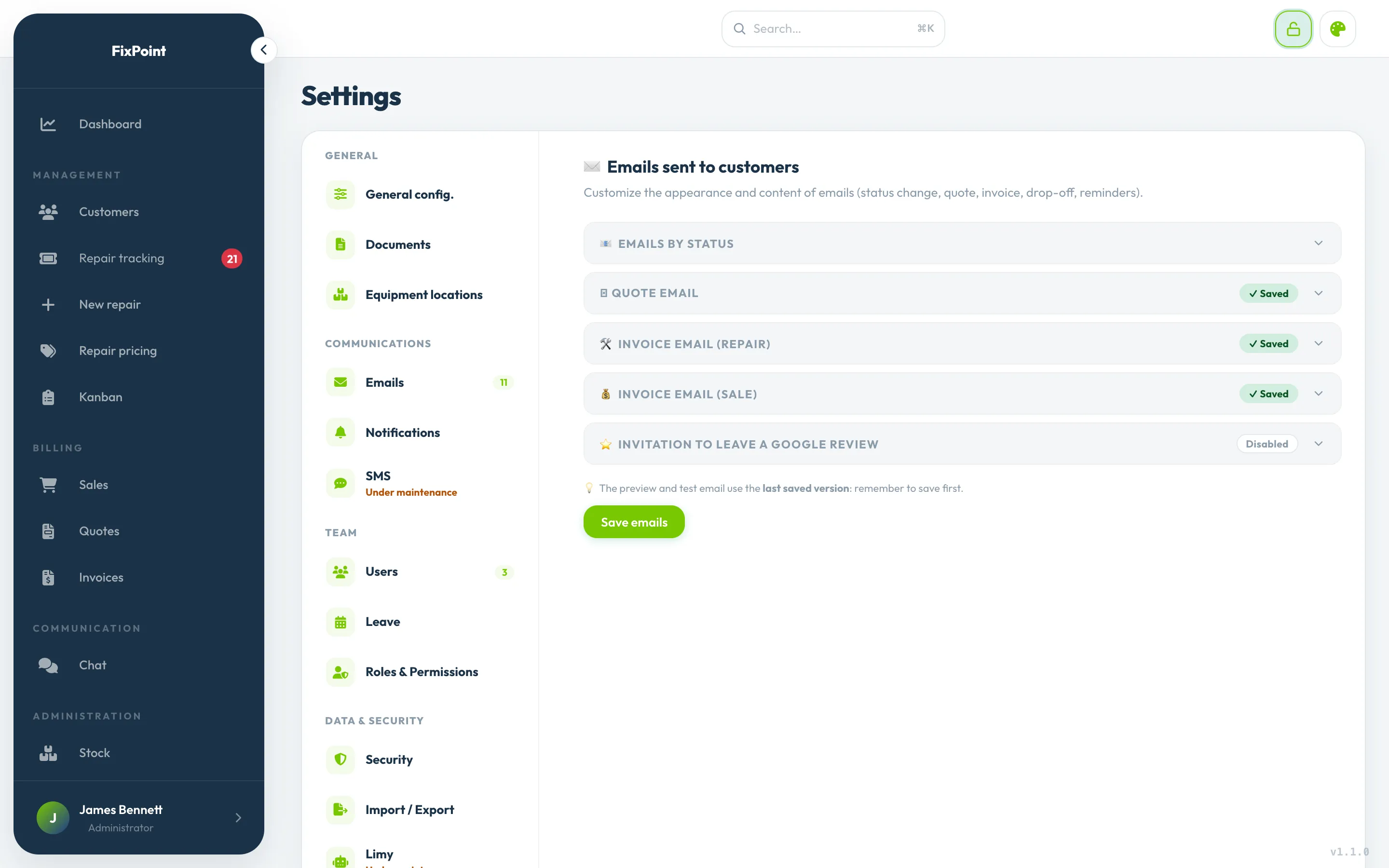
At every step, one click from the ticket sends the customer the email you wrote, with their personal tracking link.
One email per status, which you switch on or off
SMS to the customer from the ticket
A history of everything that went out
Invoicing and pickup
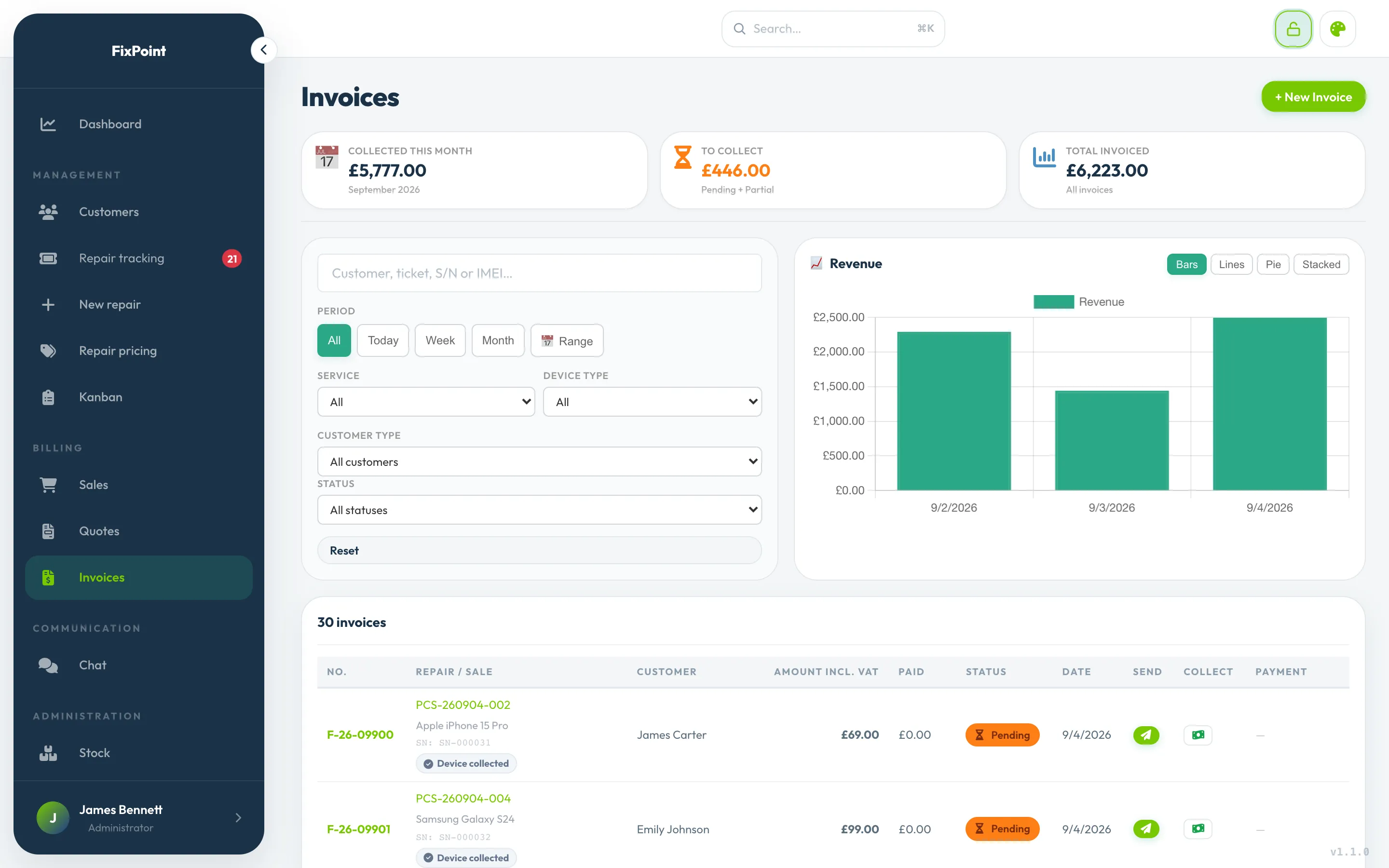
The invoice goes out from the ticket, and the payment is recorded from the list.
Several repairs grouped onto a single invoice
What’s still owed, by customer and overall
Unpaid invoice: automatic reminder by email
Features
The details that make the difference
Features designed around what repair shops really need.
Complete check-in
At the counter, everything that protects the shop and the customer goes into the ticket. And anything sensitive doesn’t stay there.
PIN, password or pattern, encrypted
Up to 5 photos of the condition at drop-off
Customer signature on screen
Storage location in the shop
Codes wiped automatically at pickup
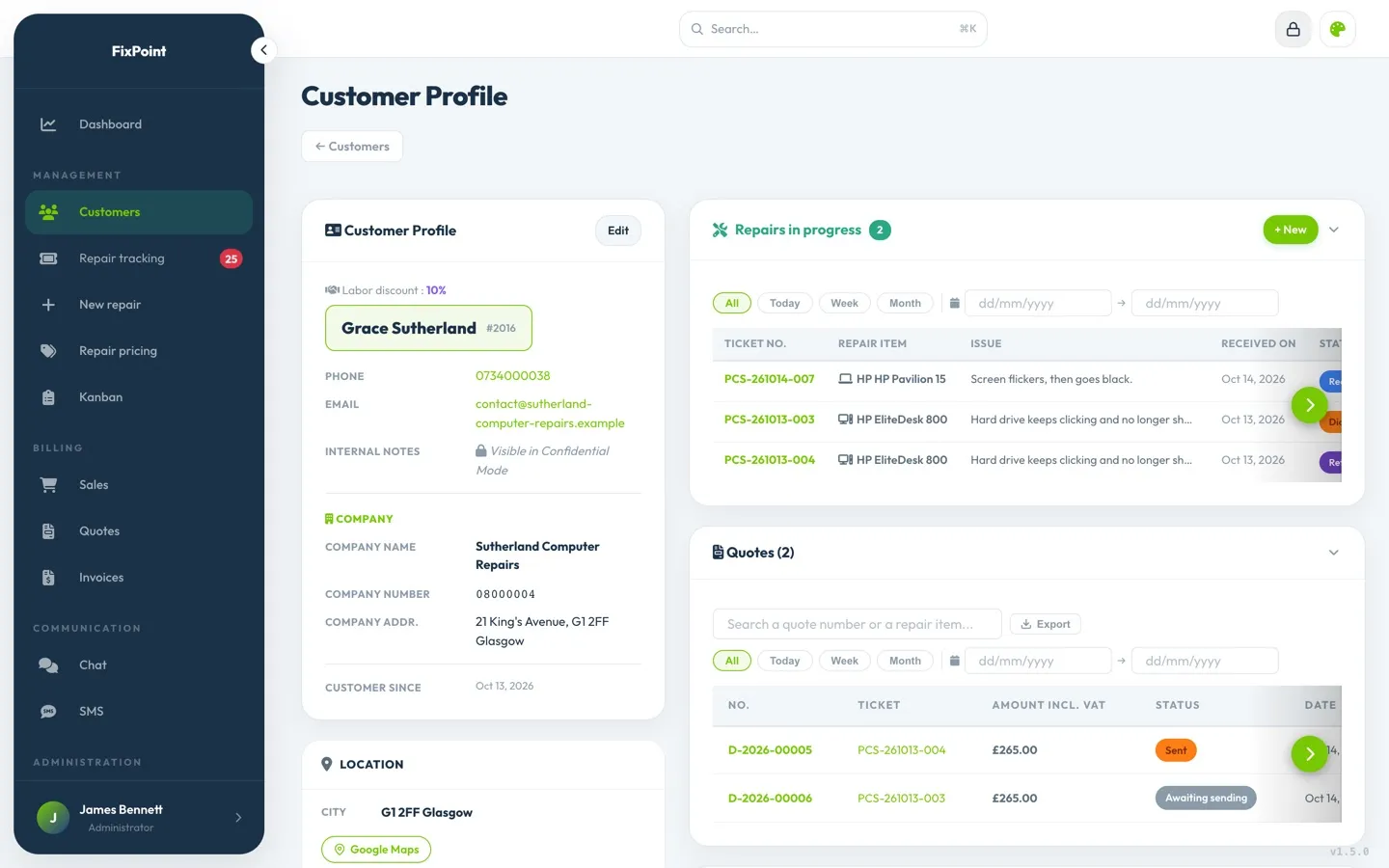
Partner customers
A reseller or a fellow repairer sends you jobs? Their discount applies by itself on their tickets. When you subcontract, the ticket is in the device owner’s name and keeps the name of the professional who sent it to you.
A discount percentage per partner
The discount shows on their quotes and invoices
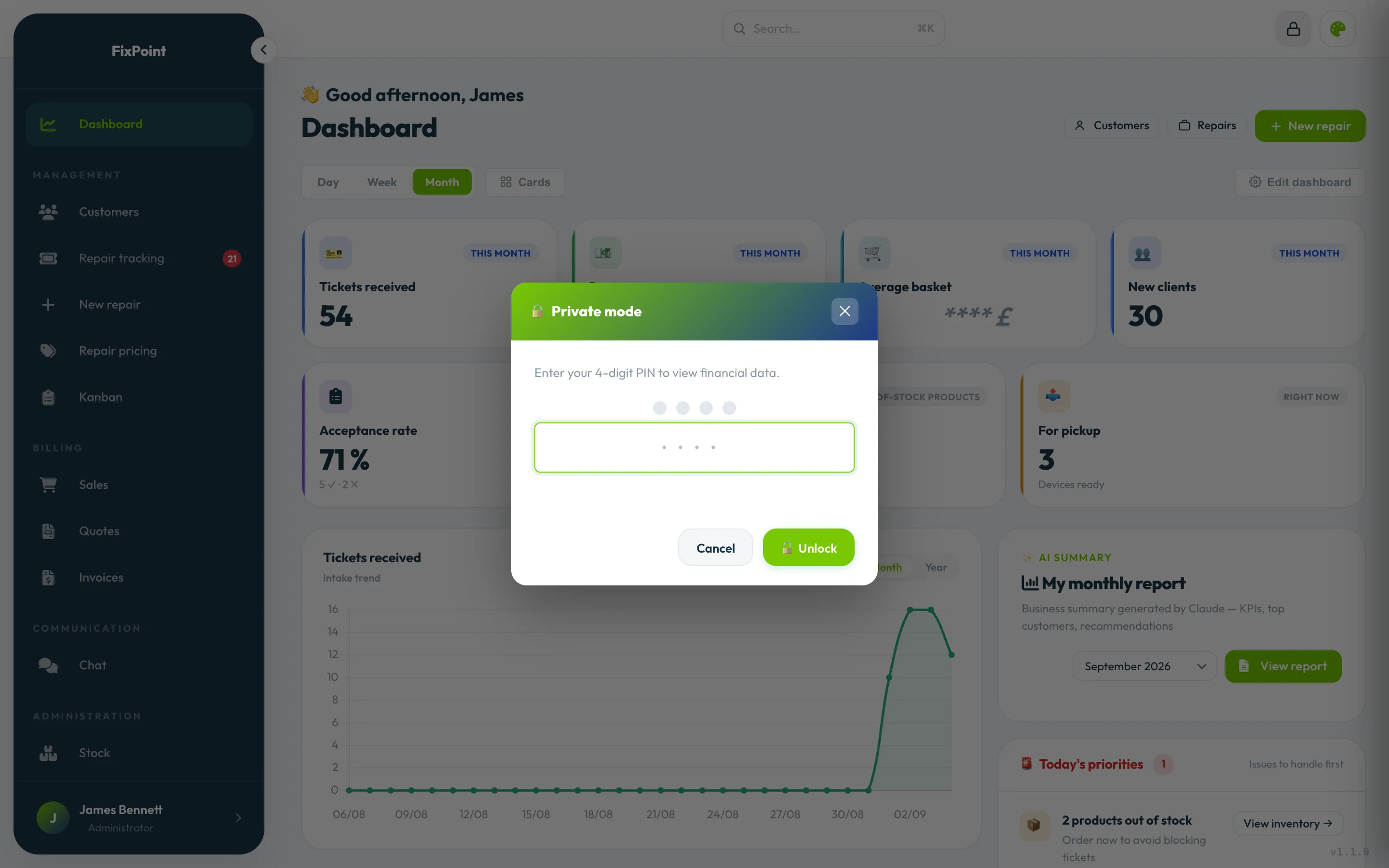
Confidential mode
Revenue, margins and unpaid amounts stay hidden on screen. Your personal code shows them, then they hide again after the period of inactivity you choose.
Personal 4- or 6-digit code
Automatic lock, from 5 minutes to 24 hours
Workshop and Business plans
Rush repairs and delays
Sell a rush package with its turnaround time: the time left shows in the list, the Kanban, the ticket and the dashboard. Tickets with no activity for longer than the delay you set are flagged as late.
Deadline passed: the dot turns red
Rush repairs in progress, at the top of the dashboard
Adjustable delay threshold, from one hour to 30 days
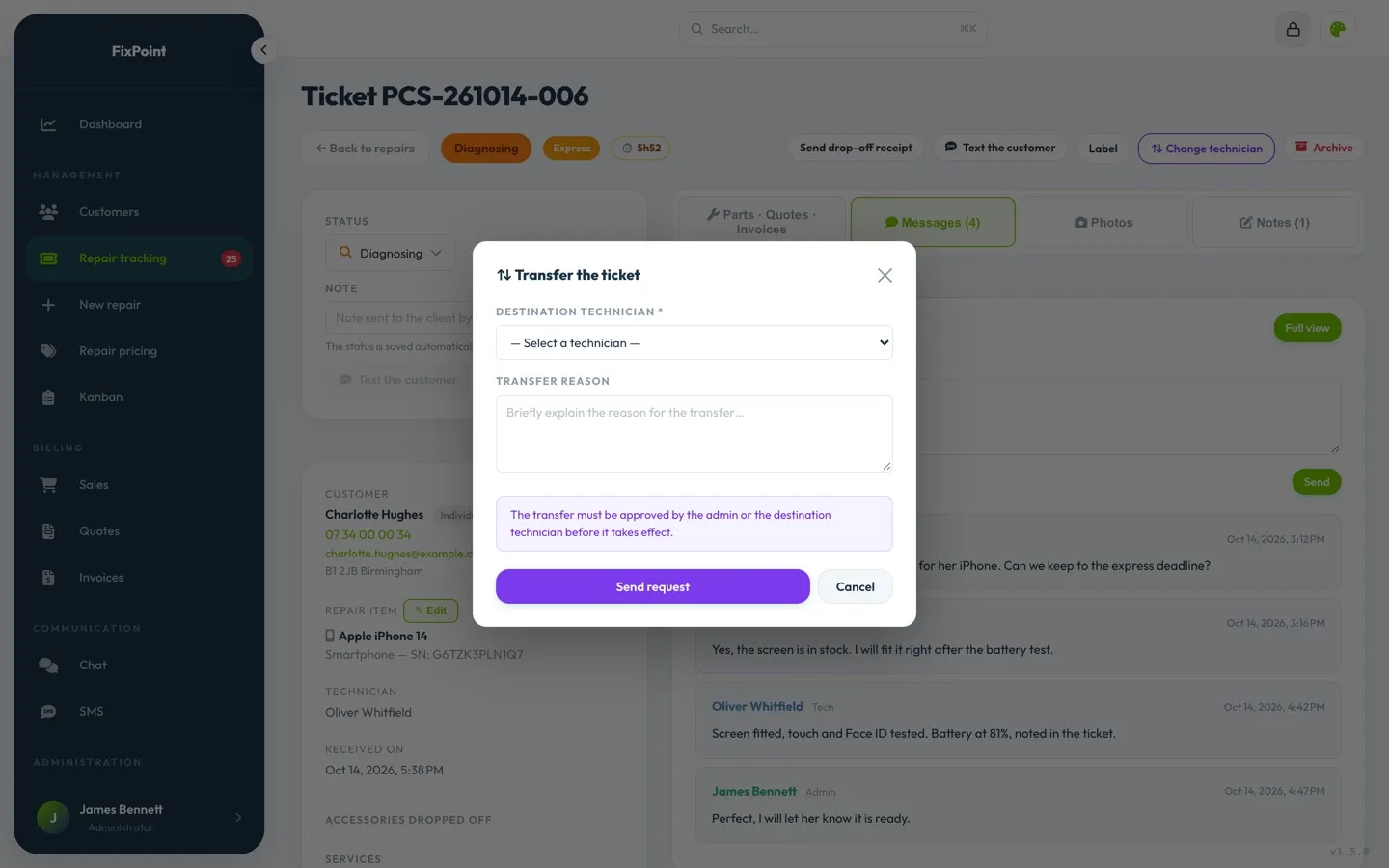
Technicians and handoffs
Assign each repair to a technician, who gets notified by email. A ticket changing hands? Request a handoff: your coworker accepts or declines it.
Everyone sees the shop’s repairs and edits their own
The admin adjusts the permissions of each role
Workshop and Business plans
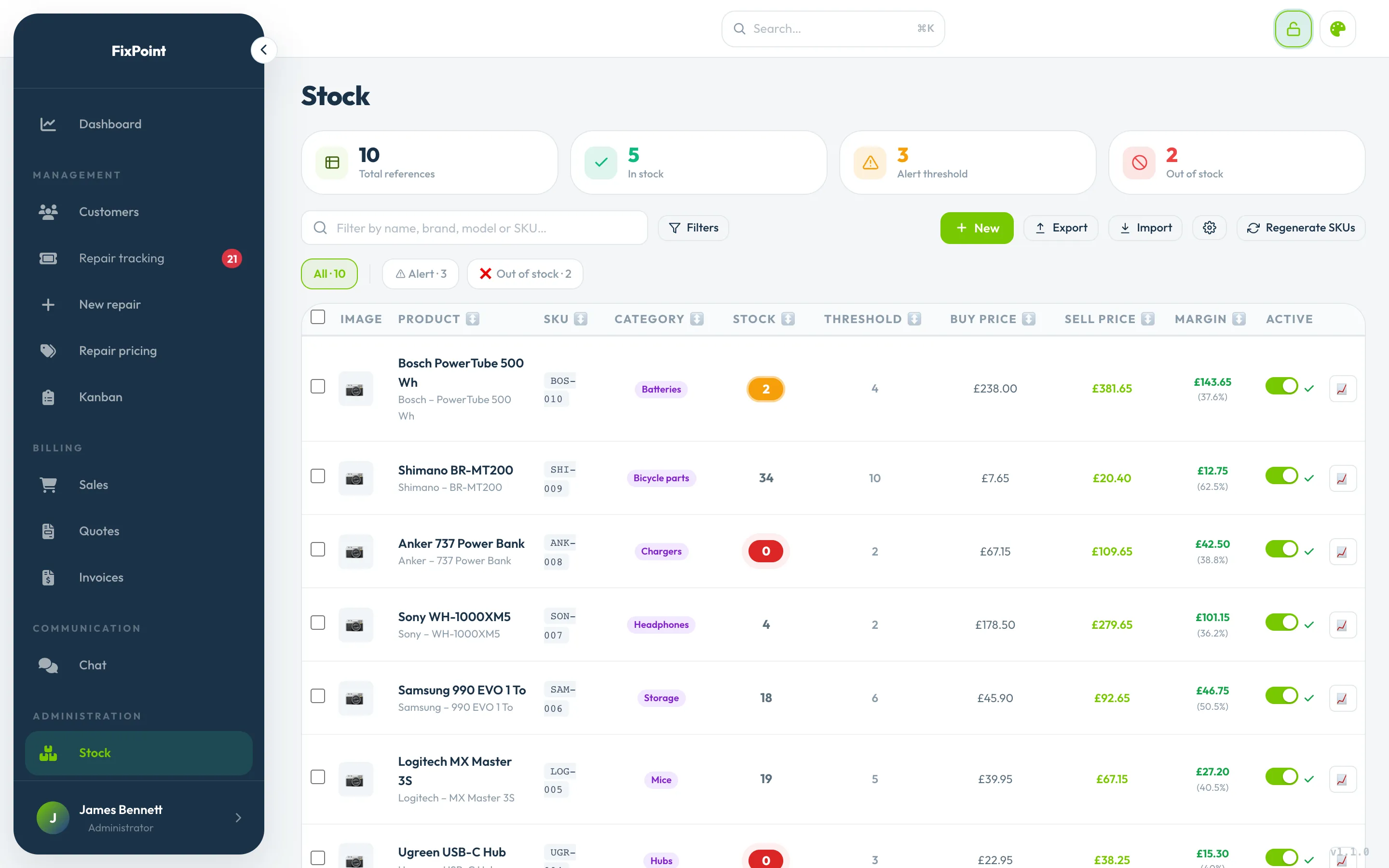
Stock and alert thresholds
Parts and items with their quantity and alert threshold. Stock goes down by itself with repairs and register sales.
Low stock and out of stock flagged in the menu
14-day stockout forecast on the dashboard
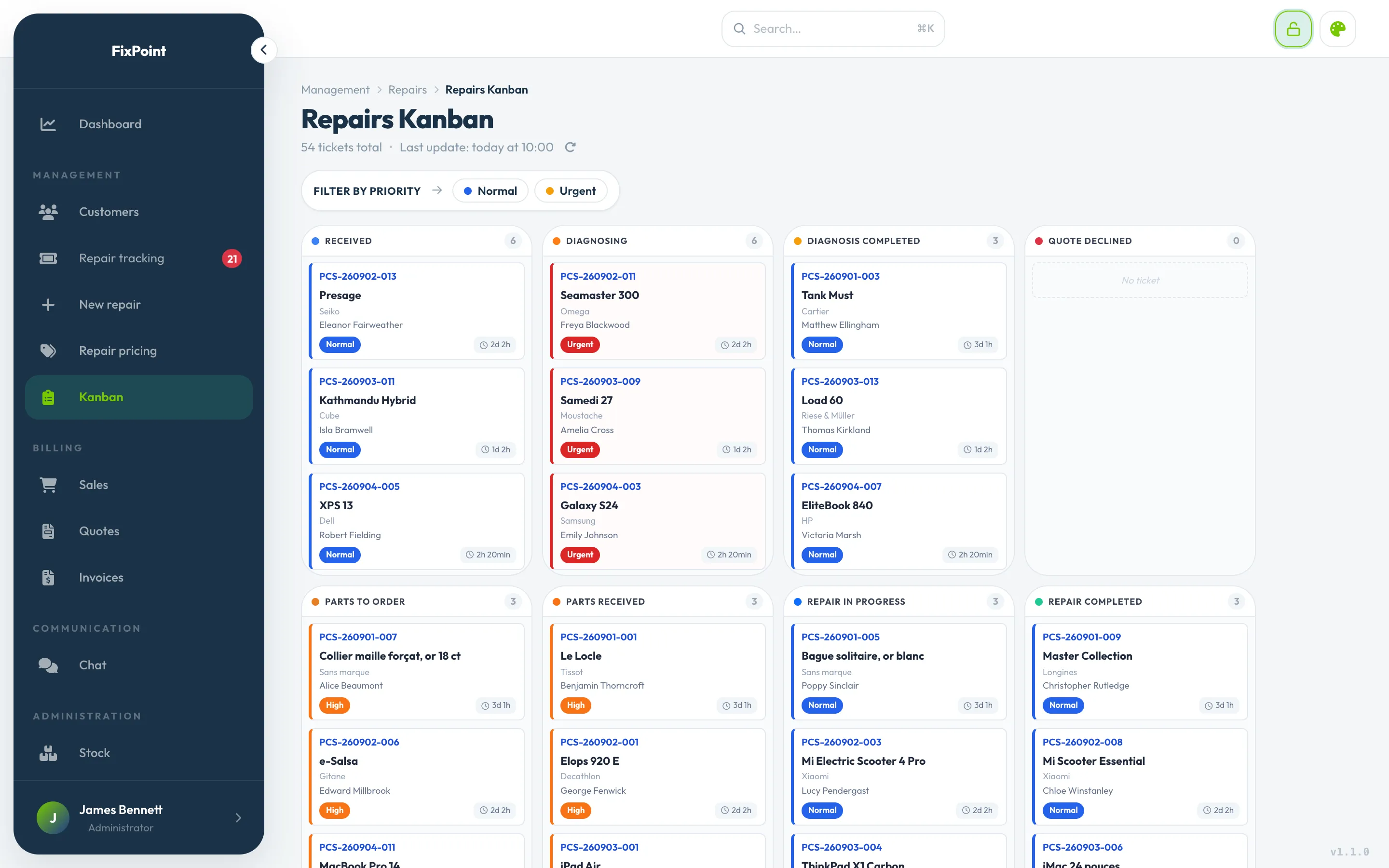
Repair Kanban
One column per status, one card per repair: a simple drag and drop moves it forward.
Your own statuses, in your order
The rush countdown on the cards
Moving a repair to "unrepairable" requires a reason
SMS campaigns
Coming soon to Limeez: write to your customers about an offer or something new at the shop. Only those who agreed to receive your messages get it. You can already text a customer from their ticket today.
Explicit consent, never pre-checked
An opt-out blocks the number from future campaigns
Already available: SMS to the customer from the ticket
Coming soon
Suppliers, purchases and returns
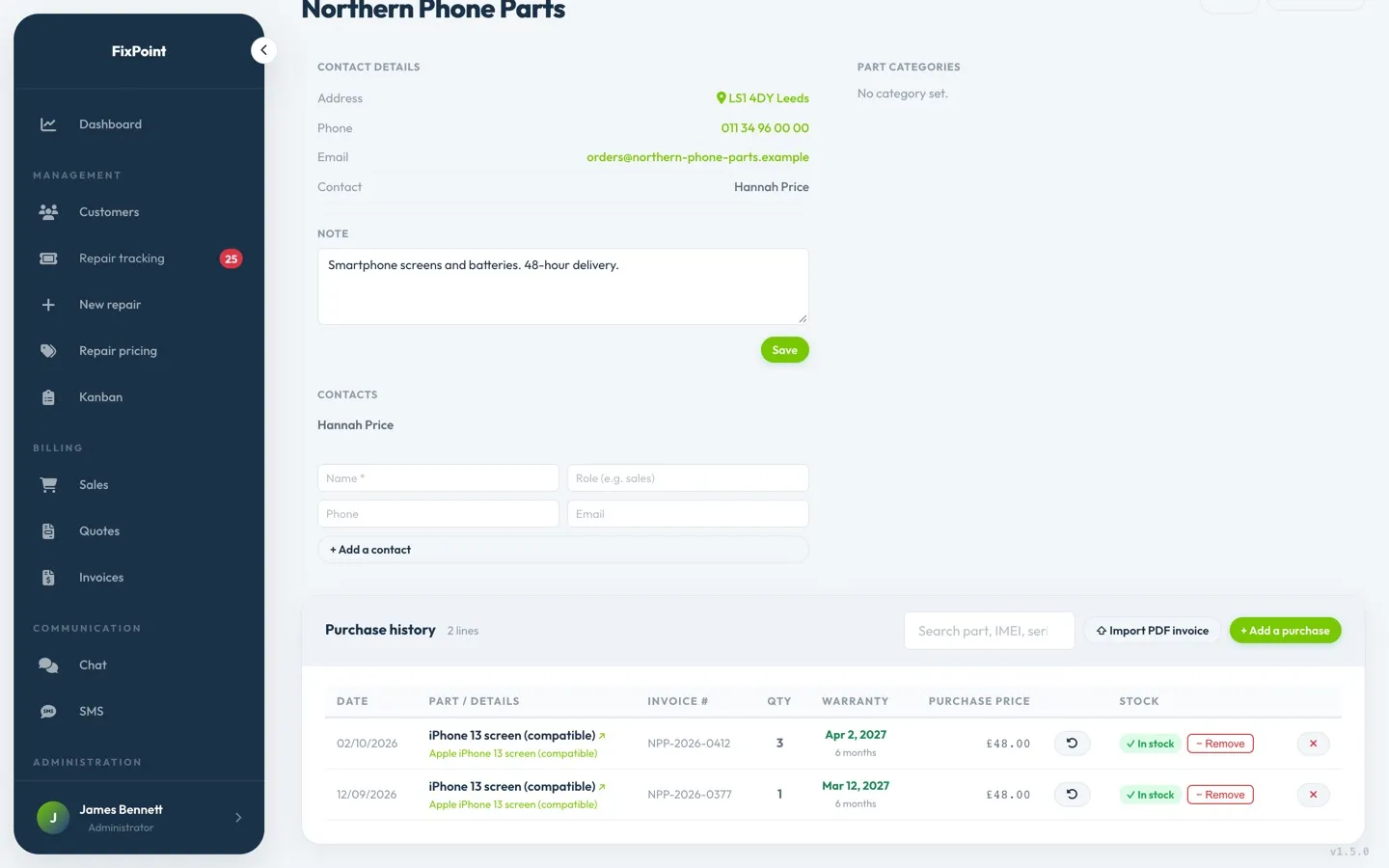
Record your purchases by supplier and link them to parts in stock: invoice, serial number, end of warranty. A faulty part? The supplier return is tracked through to replacement, refund or credit note.
Supplier invoice imported from its PDF
Warranties and supplier returns in a dedicated tab
Workshop and Business plans
Internal chat
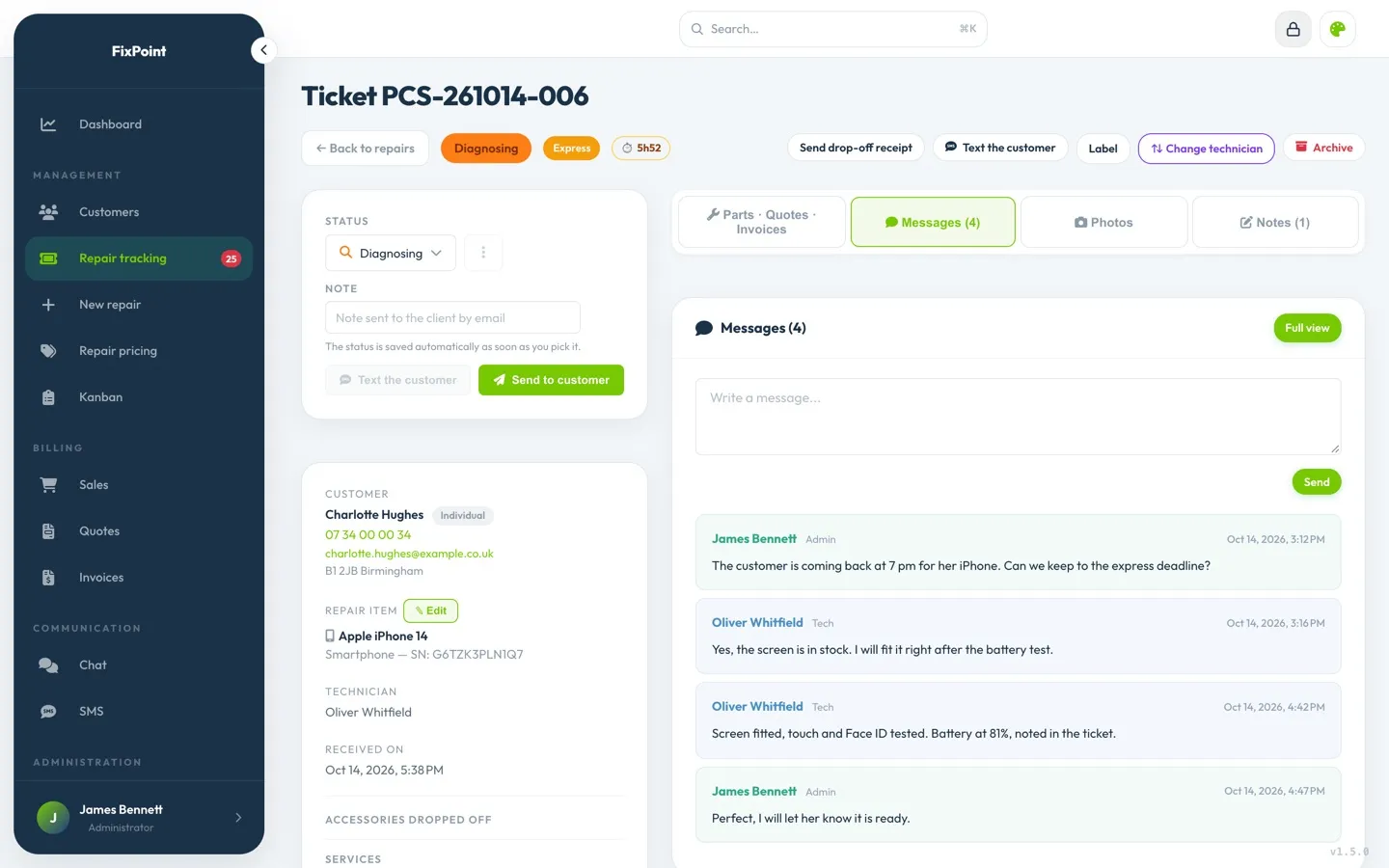
Every conversation is tied to a repair: the team talks without leaving the ticket, and the context is still there later.
Unread messages flagged
Important messages pinned
Workshop and Business plans
Staff and time off
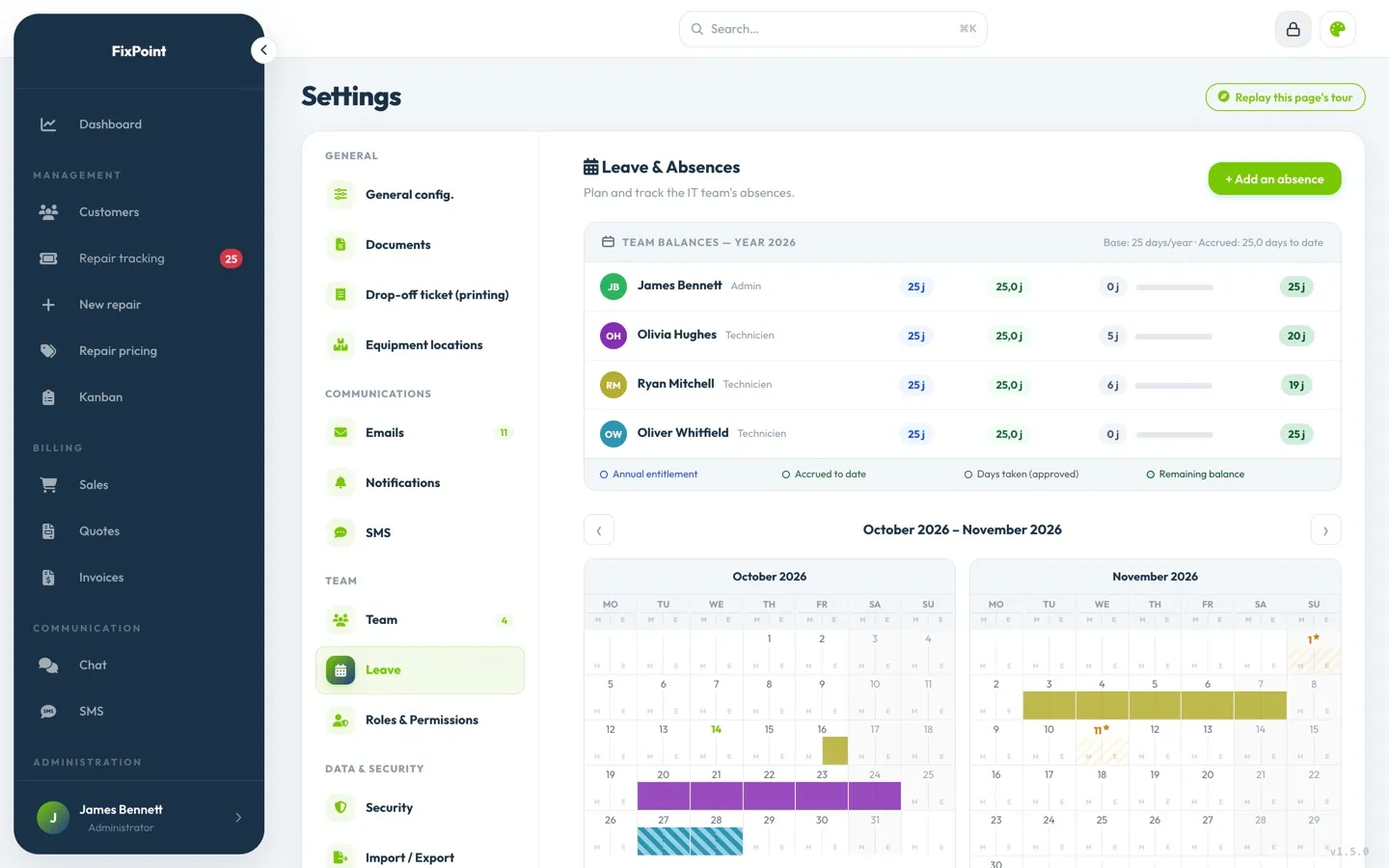
Paid leave, comp days, sick leave, half days: the admin enters and approves the team’s absences, and tracks balances on a monthly calendar.
Public holidays already in the calendar
Unpaid invoice reminders
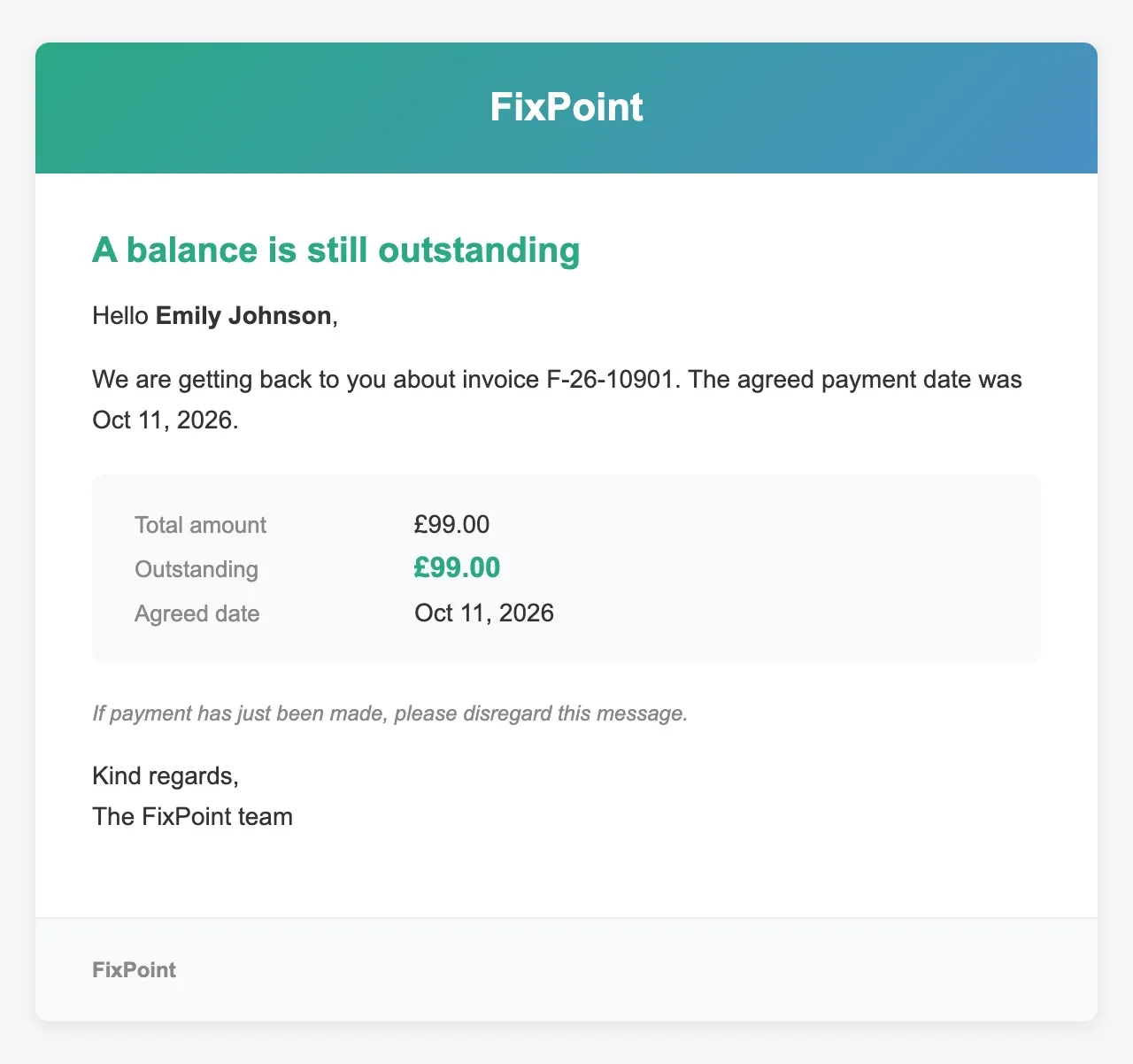
An invoice isn’t paid by the agreed date? Limeez sends the customer a reminder by email, with the invoice as a PDF. You turn reminders on or off in your settings.
Overdue invoices flagged on the customer’s profile
What you gain
Six reasons to switch to Limeez
A more professional image
Quotes, invoices and messages in your name: your customers see an organized shop, from drop-off to pickup.
Time back for the shop
Less data entry, less paperwork, fewer calls: you spend more time at the bench.
Reassured customers
They know where their device stands without having to call you.
Your business at a glance
Revenue, repairs received, average sale: the essentials of your business on one dashboard.
Everything in one place
Repairs, register, inventory and invoices in one piece of software, on computer, tablet or smartphone.
An easy start
A shop preconfigured for your trade, your data brought over, and a real person to answer you.
Limeez on smartphone and tablet, starting today
No need to wait for an app: Limeez opens in your phone or tablet’s browser, with the same screens as on a computer.
The register and repair tracking, on tablet too
Added to your home screen, Limeez opens like an app
Network down? Screens already open stay viewable
Native iOS and Android apps: coming soon.
Customization
Your colors, your way
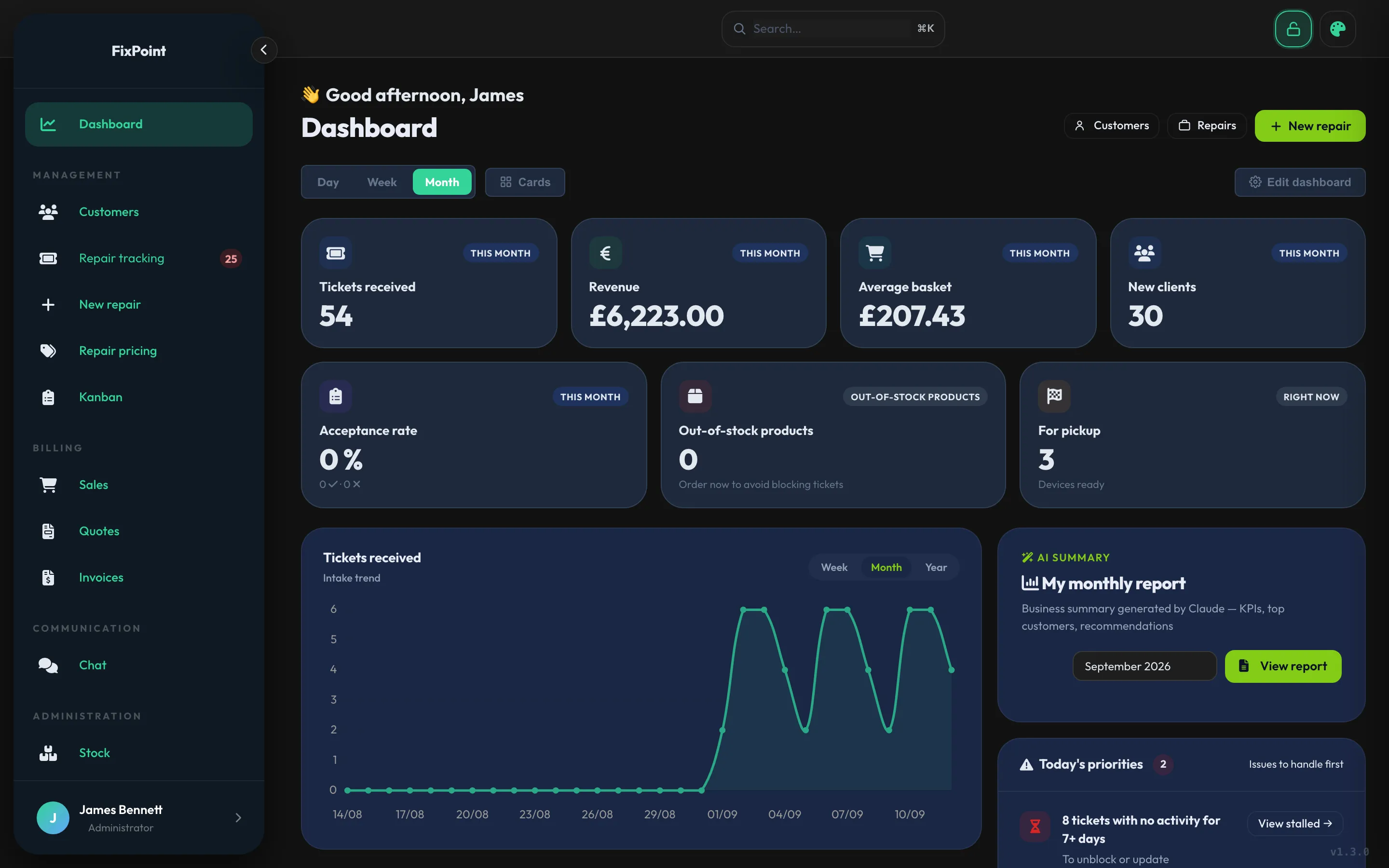
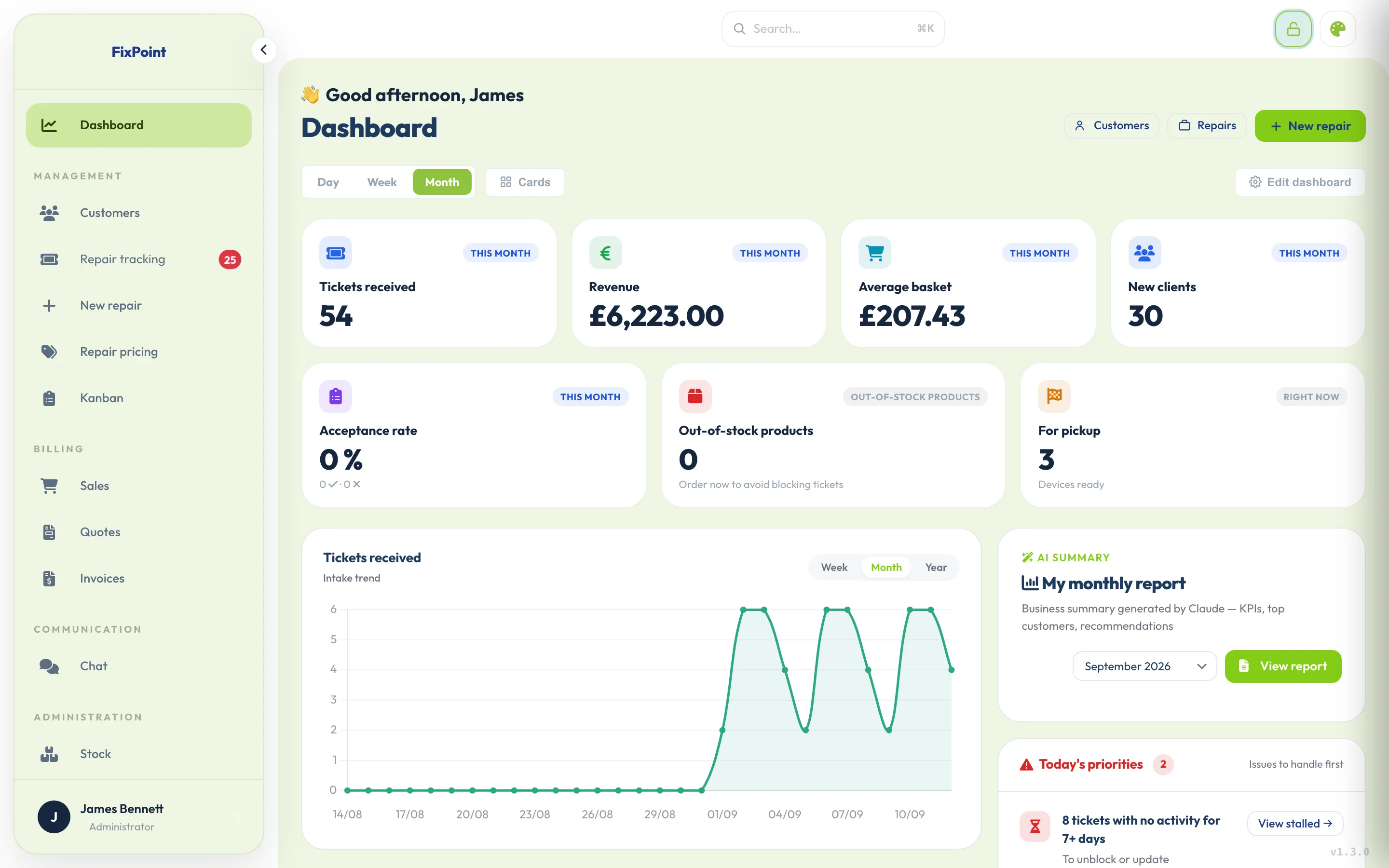
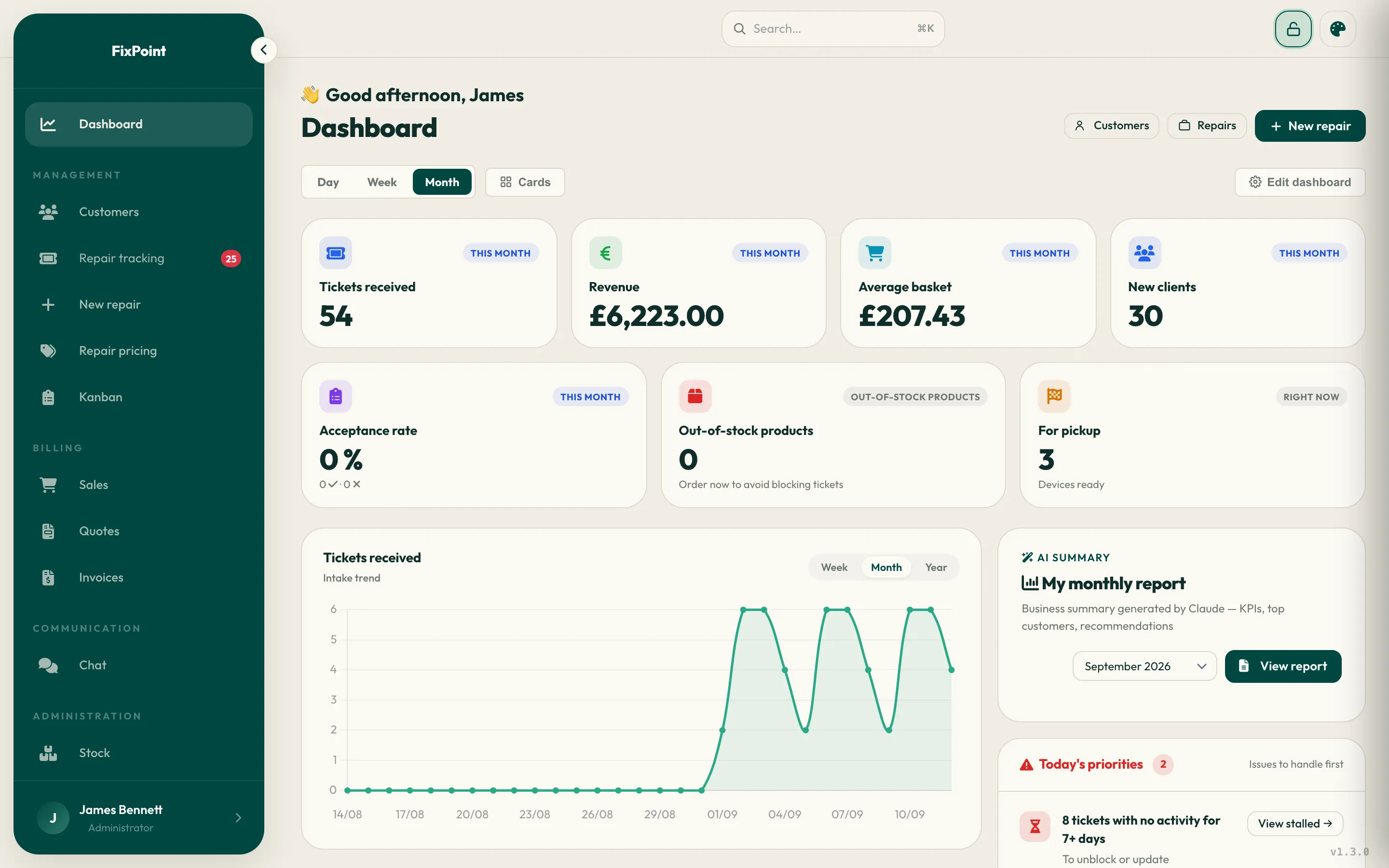
Four themes, switch in one click from any screen — pick the one that suits your shop.
Built for your trade
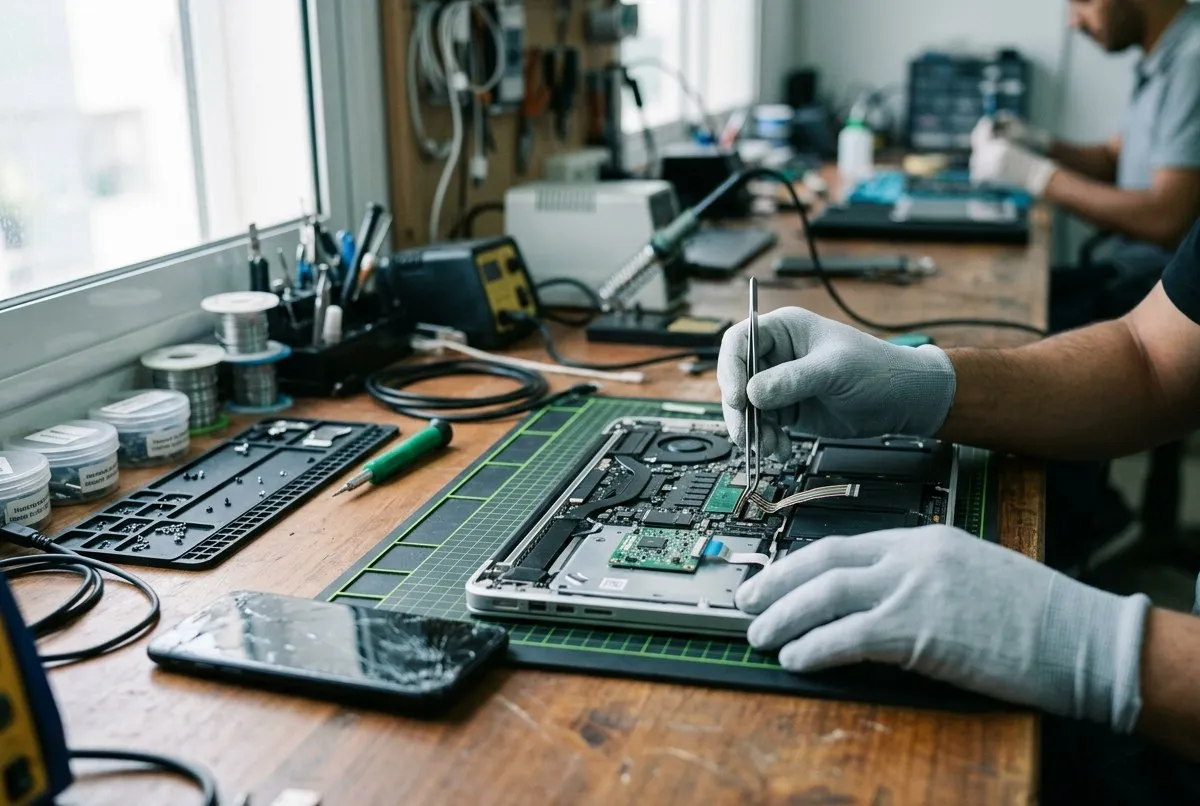
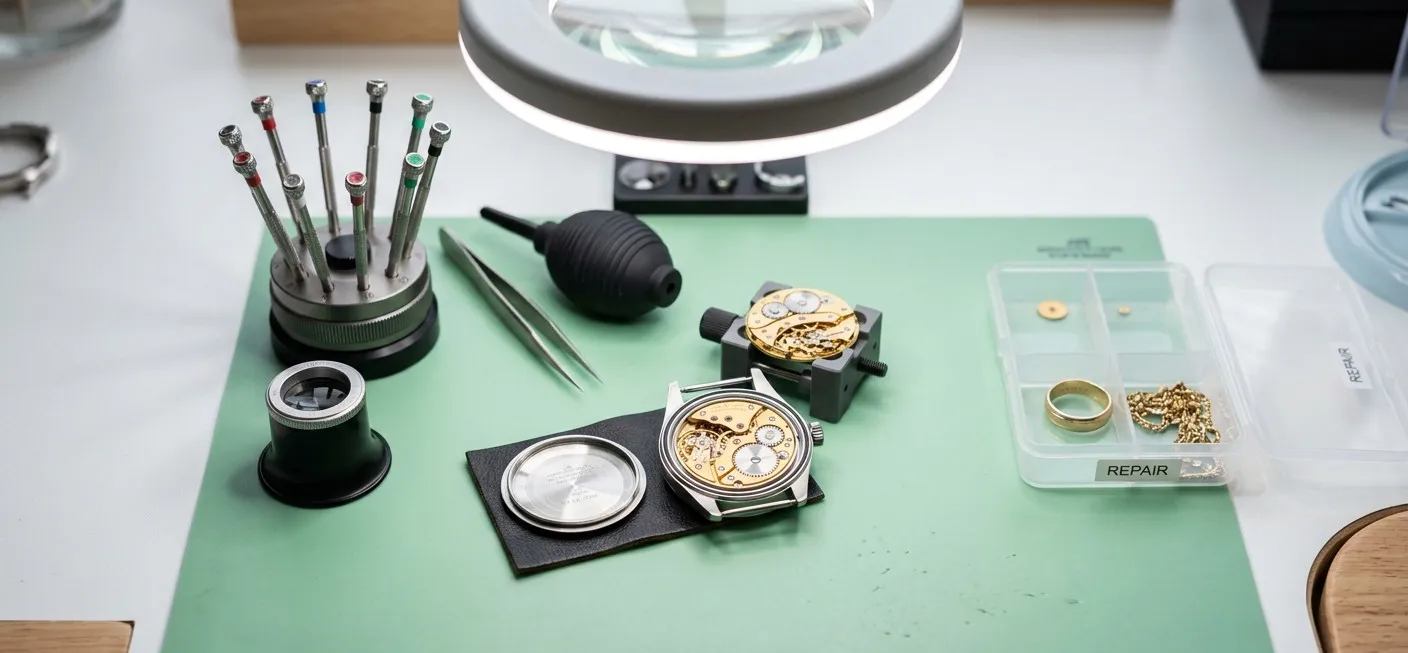
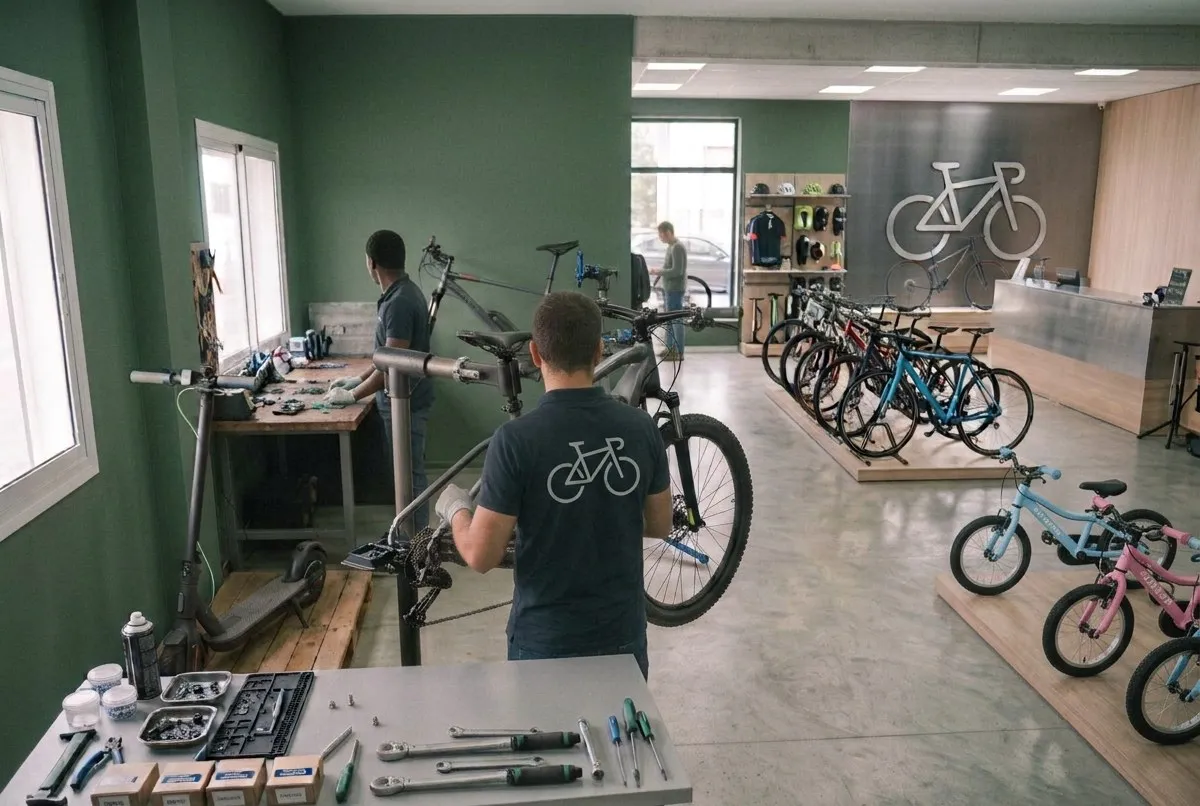
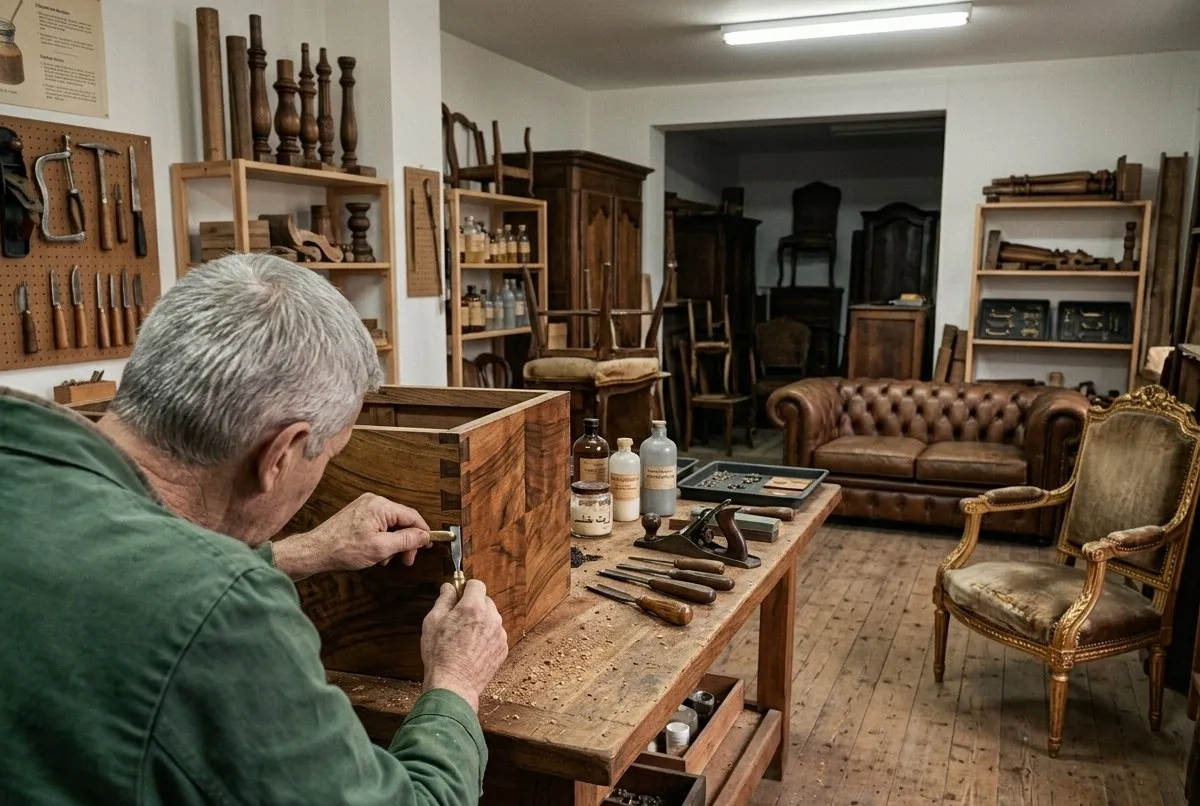
Whatever your trade, Limeez fits around it. From the moment a device comes in to the moment it goes back to its owner, it carries the quote, the invoice and the warranty. You repair.
Yours isn’t listed?Start from a blank workshop: you create your own device categories, faults and services. Nothing is forced on you, nothing is locked down.TVs · Power tools · Drones · Sewing machines
Ready-made workshopsPick yours when you create the account: device categories, common faults, brands and starter prices are already set up. Everything stays editable afterwards.
Your customers aren’t all the same. Neither is your software.
Someone dropping a device at the counter, a company handing over its whole fleet, a fellow repairer subcontracting to you: three ways of working, three treatments.
Individuals
Your customers track their repairs online
At drop-off, you send your customers their receipt by email in one click, with a personal link to follow their repair’s progress. They can find that link at any time — no account, no password, no need to call the shop.
Companies
One fleet, one contact, one invoice
Legal name, tax ID, requesting department. Every device keeps its own history, and several repairs can be grouped onto a single invoice.
Partners
Subcontracting between professionals
A fellow repairer sends you a job: their agreed discount applies by itself, the device’s real owner stays on record, and you know what each referrer brings in.
Built to fit your country
Pick your country: Limeez applies your currency and your local tax to your quotes and invoices.
And beyond: every world currency is available for your quotes and invoices, with a customizable local tax rate.
Born at the repair counter, not in a marketing meeting.
1
Over 10 years in the workshop, hunting for the right tool.
After a decade running a repair shop and trying dozens of software tools — usually too expensive, too rigid, or completely out of touch with the day-to-day — the verdict was clear: nothing really answered what happens at the counter.
2
Shop-floor know-how meets serious dev work.
Done with software that didn't fit, a shop owner teamed up with a crew of expert developers. Together they designed every feature on the shop floor, tested and refined in real conditions: instant quote sign-off, crystal-clear repair tracking, zero disputes, and automatic reminders for unpaid invoices.
3
Limeez isn't just another piece of software.
It's 10 years of hands-on experience boiled down into one tool — to save you time and protect your business. Improve your customer relationships, simplify repair tracking and build customer loyalty.
Built by a repairer, made for repairers.
Frequently asked questions
How do my customers track their repair?
At drop-off, you send them a receipt by email in one click, with a personal tracking link. The link shows their repair’s progress, and it stays in their inbox whenever they need it. No account or password to create.
How is the Free plan different from the trial?
They work together. Every account starts with 14 days of full access — every feature unlocked, on any plan, no card. After that, the Free plan keeps going with no time limit (1 user, 15 tickets created per month), while a paid plan keeps all of its features.
How does the free trial work?
14 days with every feature unlocked, on any plan, no credit card. At the end, you keep your plan — or stay on Free, free of charge.
Can I change plans later?
Yes, anytime. The change is immediate and billing is prorated.
How does annual billing work?
You pay for 10 months instead of 12 — 2 months free. The amount is charged once, at the start of the period.
Do I own my data?
Yes. CSV export anytime, and permanent deletion on request.
Are there any hidden fees?
None. No setup fees, no per-ticket cost, no commitment.
A question, a demo, a migration from another tool? Write to us — a real person will get back to you.
Can I import my customers, records and history from my current software?
Yes, with guided migration: write to us and a real person helps you import your customers and history, whatever tool you're using now (software, paper, or Excel).
How long does it take to get up and running?
A few minutes. The trade you choose at sign-up already pre-configures your device categories, common issues, brands and a starting price list — everything stays editable afterwards.
Do I need any technical skills to use it?
No. Limeez runs in a browser, no installation required, with an interface designed for a repair shop, not for IT specialists.
Is there training or onboarding support?
Your account starts already pre-configured for your trade, and built-in help puts you in touch with a real member of the team if you have questions.
Can I test it with real data before committing?
Yes. The 14-day trial gives you access to every feature, on any plan, no credit card required — you can work with your real data from day one.
What happens if I want to stop and take my data with me?
You can export everything at any time: a complete archive of your account, one file per category, with a guide explaining its contents. On request, your data is then permanently deleted.
Security and data
Is Limeez GDPR compliant?
Yes, as well as other data protection regimes depending on your country (GDPR for the EU and UK, PIPEDA in Canada, the Privacy Act in Australia, CCPA/CPRA in California, LFPDPPP in Mexico).
Can I restrict what each employee sees?
Yes. Three roles exist by default (admin, technician, trainee), each limited to what they need to see. From the Workshop plan up, you can also create your own roles and set permissions screen by screen.
Support and reliability
How can I contact you if there's a problem?
By email (contact@limeez.app), or directly from Limeez via built-in help — a real member of the team replies, with a history of your conversations.
Is support included in every plan?
Yes, on every plan. First reply in under 5 business hours on Free, Solo and Workshop, in under 2 business hours on Business. An admin can contact our support team from Limeez.
Can I use Limeez without an internet connection?
Limeez runs online, but a dropped connection doesn’t lock you out: the screens you already opened stay readable, with a banner telling you the network is down. Handy in the back room where the wifi never reaches. You can also add it to the home screen of your phone or tablet and open it like a proper app.
Day-to-day use
Can I use Limeez on mobile/tablet as well as on computer?
Yes, the website and app are fully responsive and usable on smartphone and tablet, including the till. Native iOS and Android apps will be available soon.
How does the customer track the progress of their repair?
By email: at each status change, you send the message you’ve written in one click, with the tracking link. Your customer doesn’t need to call.
Can I send quotes and invoices directly by email/SMS?
By email, yes: the quote goes out straight from Limeez, the customer can accept or decline it in one click, and the invoice goes out with its PDF attached. SMS is there to keep the customer posted on how the repair is going, not to send documents.
How does the built-in till work?
A quick cart, every payment method (cash, card, bank transfer, cheque, with change given), a numbered receipt and an end-of-day close with a Z-report. Every sale automatically deducts from your stock and feeds into your figures. Included from the Free plan onwards, in your browser, on computer or tablet.
Can I print labels or tags for devices left in for repair?
Yes, one printable label per repair ticket, with tracking number, customer and QR code. Inventory items get their own too, with barcode, name and price, for labelling on the shelf.
Can I fix a quote I’ve already sent to the customer?
Yes, by revising it: the original quote moves to “superseded” and stays on file without committing you to anything, while a new quote picks up its lines under its own number. You keep a record of what the customer saw the first time.
If a part goes up in price, do I have to redo every price one by one?
No. You change the price of the part and every repair price that uses it follows in one go — nothing slips through on a whole range.
Do emails go out from my own address?
Up to you. By default they go through the Limeez server, with nothing to set up; you can also enter your own outgoing mail server (host, port, encryption, login) so your messages leave from your domain. A test email checks the settings you actually saved.
How do I manage spare parts stock?
Quantity tracking with thresholds and alerts (in stock, low stock, out of stock), stock-out forecasting, stock automatically reserved on a pending quote, and CSV or Excel import/export.
Does Limeez calculate my margins automatically?
Yes, the margin is calculated automatically on every sale and every repair, along with the full history of stock movements.
Invoicing and legal
Can I customise my quotes and invoices with my logo?
Yes, your PDF quotes and invoices carry your details, your logo and VAT — your documents and emails carry your identity, not Limeez's.
Does Limeez handle warranties (manufacturer, repair, parts)?
Yes, warranties are created automatically after every sale and every repair, tracked both on the customer side (what you owe them) and the supplier side (what's owed to you on the part).
How do I cancel or refund an invoice I’ve already issued?
With a credit note, full or partial — by quantity (two screens returned out of three) or by amount (a €20 goodwill gesture). The credit note can be paid back, or left as credit on the customer’s account: it then comes off their next invoice on its own, oldest first.
How do I know what my business customers still owe me?
One screen groups together, by company and by partner, the finished repairs and counter sales that haven’t been invoiced yet, with the age of the oldest document. You invoice a whole month for a business customer in one go, with nothing left behind.
Can my price go up after I sign up?
No. Your country’s price and the version of the price list are locked to your shop on the day you sign up. If your country is reclassified later, or if prices are revised across the board, it doesn’t apply retroactively to your subscription.
How do I cancel, and where do I find my subscription invoices?
From your Subscription page: one button opens your billing portal, where you change your payment method, download your invoices and cancel yourself. No email to write, no notice period.
Specific trades
Is Limeez suitable for a shop that repairs several types of devices (multi-trade)?
Yes, through the Multi-repair preset, designed for shops covering several electronics categories (mobile, computer, console, connected devices) on a single account. For a specific case outside these categories, write to us.
Can I create fields specific to my trade (IMEI number, watch movement reference, etc.)?
Yes, each trade has its own dedicated fields — IMEI and serial number for phone repair, for example — automatically carried over to the ticket and invoice.
Can I adapt repair statuses to my own shop workflow?
Yes, the kanban board for your repairs has customisable statuses: you create, rename and reorder them to match your own workflow.
Let’s talk about your shop
A question, a demo, a migration from another tool? Write to us — a real person will get back to you.